

Home / Digital Banking / Click to Pay
Click to Pay
Click to Pay with your Broken Hill Bank Visa Debit Card. A faster, easier and more secure way to shop online.
A faster way to pay online
Visa Click to Pay is a secure online checkout experience that allows cardholders to pay without repeatedly entering card details. It uses tokenisation and Visa security to help keep your payments safe while making checkout faster and easier.
As part of Visa’s requirements, we have automatically added your eligible Broken Hill Bank Visa Debit Card, so it’s now ready whenever you choose to use it. There’s no app to download or sign-up process to complete.
ⓘ
Note: You may see a hold of $0 from Visa Provisioning Service on your accounts with a linked card. This is a verification check only, and no funds will be taken from your account.
You can keep paying as you do today
You don’t have to use Click to Pay. If you prefer, you can continue entering your card details at checkout as you always have.
What are the benefits?
Faster checkout: Save time without entering your card details for each purchase.
Secure payments: Click to Pay uses a digital token in place of your card number when processing your payment, helping protect your card details.
Convenience: Your Visa Debit Card is ready to use at participating online stores displaying the Click to Pay symbol.
How do I use it?
At online stores offering Click to Pay:
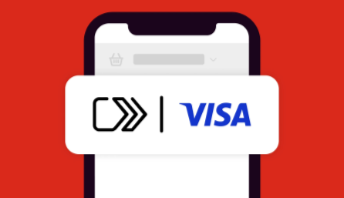
1. Look for the Click to Pay symbol at checkout.
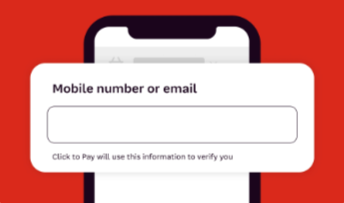
2. Enter your email address or mobile number.
3. Follow the instructions on the screen. You may receive a one-time code by text message or email to confirm it’s you making the purchase.
4. Choose your card and complete your payment.
Please keep your contact details with us up to date so you can receive verification codes when needed. If your email address or mobile number has changed, contact us for help updating your details.
What if I don’t want to use Click to Pay?
You can simply continue entering your card details at checkout. Your card will remain registered for Click to Pay, ready if you choose to use it later.
If you would prefer to remove your card from Click to Pay altogether, you can opt out by calling us or visiting us in branch. Our team can help you with this.
Find out more
Read our Click to Pay Customer FAQs for more information about using the service.
For the terms that apply and information about how your personal information is handled, read our Click to Pay Terms and Conditions and Privacy Policy.
We’re here to help
If you have questions about Click to Pay, call us on 08 8088 2199 or drop into the branch. Our team will be happy to help.